
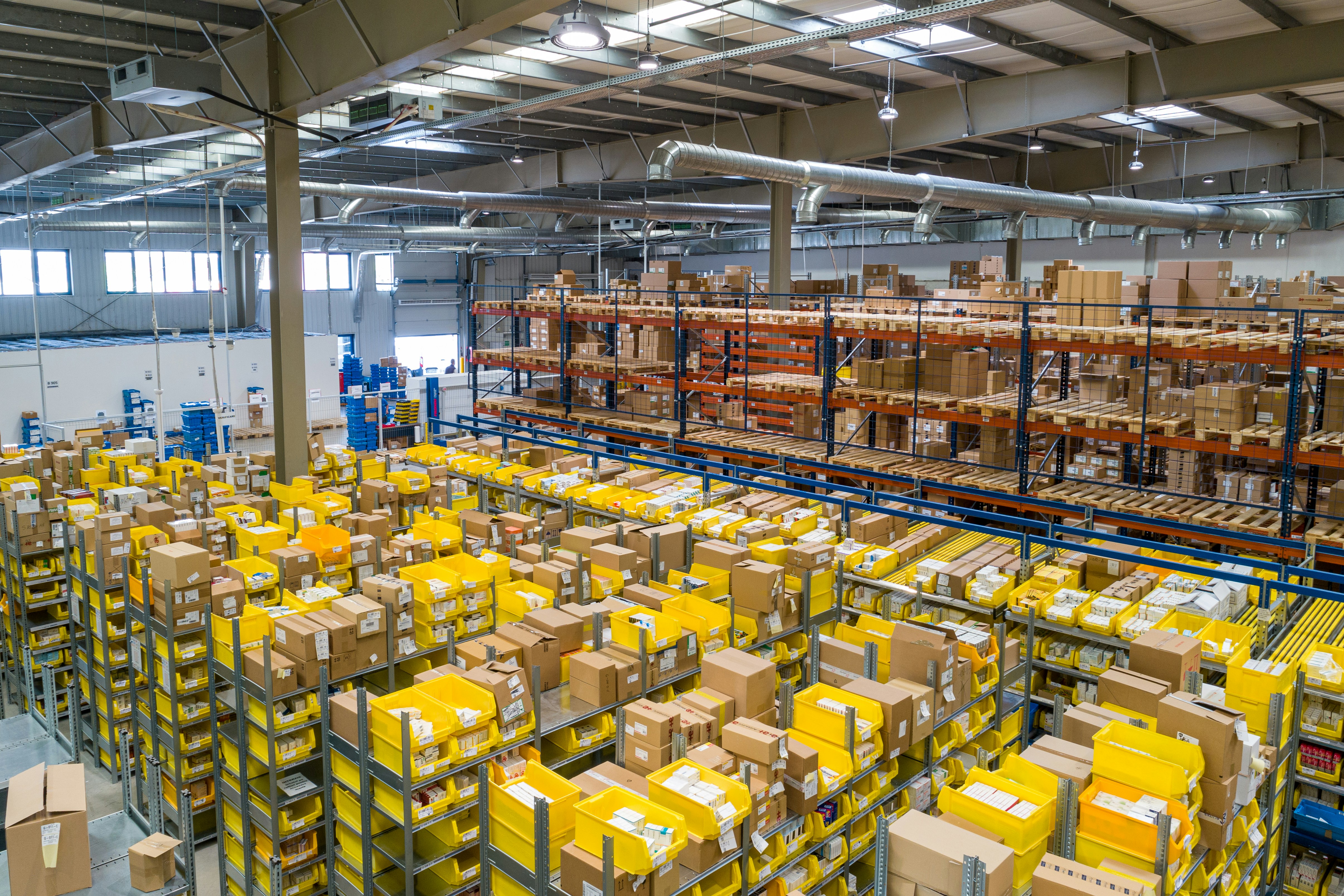
When you’re running inventory across more than one warehouse, retail store, or distribution centre, the questions multiply faster than the stock levels. Which location has the item a customer just ordered? How do you move stock between sites without losing track? Why does Sydney show 47 units when Melbourne swears they sent 50 last Tuesday?
Multi-location inventory management isn’t just “single-location inventory, but twice.” It’s a different operational reality with compounding complexity, and without the right systems and processes, it quickly turns into a daily firefight. Here’s how to keep it under control.
Common Multi-Location Setups
Before diving into the challenges, it helps to recognise which scenario you’re operating in, because the pain points differ:
Multi-warehouse distribution: You’re shipping to customers from multiple fulfilment centres to cut transit times or manage regional demand. Stock might live in Brisbane, Melbourne, and Perth, but customers don’t care—they just want fast delivery.
Retail + warehouse hybrid: You’ve got physical stores holding frontline stock and a central warehouse feeding replenishment. Store staff need accurate visibility into what’s available across the network, and the warehouse needs to know what each store actually needs.
Regional consolidation hubs: You run a hub-and-spoke model where a main distribution centre feeds smaller satellite warehouses or cross-docks. Transfers are constant, and timing matters—send too early and you tie up capital; send too late and the region runs dry.
Manufacturing + storage split: Production happens at one site, but finished goods live elsewhere. You need to track work-in-progress, transfer to storage as batches complete, and fulfil orders from the correct location based on stock availability and freight cost.
Each setup shares the same core challenges, but the operational rhythm and failure modes differ. Let’s walk through the four big problems.
Challenge 1: Which Location Has Stock?
This sounds simple until you’re three locations deep and a customer orders a SKU you know exists—somewhere. The problem isn’t just visibility; it’s real-time accuracy across sites with different receiving schedules, transfer delays, and independent sales channels.
The failure mode: Stock shows available in the system, but it’s in transit between locations, quarantined for QC, or already committed to another order. The system says “yes,” but the floor says “no.”
What works:
- Location-aware inventory queries: Your system must return stock levels by location, not just a global total. A single “47 units available” figure is useless when 45 are in Brisbane and the customer is in Perth.
- Real-time committed vs available distinction: Available stock isn’t just “on hand”—it’s on hand, not committed to open orders, not in quarantine, and not mid-transfer. Systems that don’t track these states create phantom availability.
- Transfer-in-transit tracking: Stock moving between locations must appear in neither the source nor destination until the receiving scan confirms it. Otherwise, you double-count units that are sitting on a pallet in a truck somewhere on the Hume Highway.
Example scenario: A Brisbane-based furniture retailer holds stock in Yeerongpilly and Brendale. A customer in Toowoomba orders a dining set. The system checks Brendale first (closer), sees stock, and routes the order there. But if Brendale’s stock is mid-transfer to Yeerongpilly to consolidate slow movers, the order fails. The fix: transfer status updates in real time, and the system queries available stock, not just on-hand stock.
Challenge 2: Inter-Location Transfers
Transfers are where multi-location inventory systems either prove themselves or fall apart. Moving stock between locations isn’t just logistics—it’s an accounting and data integrity exercise. One missed scan and your entire network’s stock positions drift out of sync.
The failure mode: A pallet leaves Location A, arrives at Location B three days later, but the receiving team doesn’t scan it in properly (or at all). Location A has already decremented stock, Location B never incremented, and you’ve just lost 200 units in the system. Multiply this across dozens of weekly transfers and you’re doing monthly stocktakes just to stay sane.
What works:
- Three-state transfer process: Pending (created but not dispatched), in-transit (dispatched from source, scanned out), received (scanned in at destination). Your system must support all three and block location changes until the destination confirms receipt.
- Forced receiving process: Transfers shouldn’t auto-complete based on dispatch date plus transit time. The destination warehouse must actively scan items in, confirm quantities, and flag discrepancies. If they received 48 units but the transfer said 50, the system needs to surface that immediately—not three weeks later during a stock count.
- Transfer reference linking: Every transfer should have a unique ID that travels with the stock. When the destination scans, they’re scanning the transfer, not just the SKU. This prevents accidental double-receives and lets you trace stock movements historically.
Example scenario: An FMCG distributor moves product from a central DC in Melbourne to a forward-pick warehouse in Geelong every Monday. The truck leaves with 12 pallets, but only 11 get scanned in at Geelong because one was staged incorrectly. Without a forced receiving workflow, Geelong’s stock is understated, Melbourne’s is correct, and the discrepancy only surfaces when Geelong runs out earlier than expected. With proper transfer tracking, the missing pallet is flagged within an hour of the truck arriving.
Challenge 3: Fulfilment Routing
Once you’ve got accurate stock visibility and reliable transfers, the next question is: which location should fulfil this order? The naive answer—“wherever stock exists”—leads to wildly inefficient freight costs and inconsistent delivery times.
The failure mode: Orders route to the wrong location because the system optimises for “stock available” without considering freight zones, cut-off times, or carrier lane performance. You end up shipping from Brisbane to Adelaide when Melbourne had stock and a better carrier rate.
What works:
- Configurable fulfilment rules: Let the system prioritise by proximity, stock level thresholds, carrier performance, or even customer preference. A Sydney order should check Sydney stock first, then Melbourne, then Brisbane—not the other way around just because Brisbane happens to have higher absolute stock levels.
- Cost-aware routing logic: Factor in actual freight rates by lane. Shipping one carton from Melbourne to Adelaide via StarTrack might cost $12, but the same shipment from Perth could be $28. If both locations have stock, the system should know which is cheaper.
- Cut-off and carrier integration: Orders placed at 3pm should route to locations that can still meet the carrier cut-off, not to a warehouse that closed dispatch at 2pm. This requires real-time visibility into each location’s operational schedule.
Example scenario: A national homewares retailer has warehouses in Sydney, Melbourne, and Brisbane. A customer in Adelaide orders a set of cookware at 1pm. Melbourne has 8 units, Brisbane has 15, Sydney has 3. The system routes to Melbourne because it’s the closest location with adequate stock and can still make the 4pm StarTrack cut-off. Brisbane would have worked, but freight cost is 40% higher. Sydney is closest but low stock, so it’s reserved for local orders only. This isn’t magic—it’s just rules-based routing built into the inventory and warehouse systems.
Challenge 4: Reporting Across Locations
Multi-location reporting is where bad inventory systems reveal themselves. You need to see both aggregate and per-location views, often at the same time, and switch between them without wrestling with pivot tables in Excel.
The failure mode: Every report is either too detailed (SKU-by-SKU for each location, impossible to interpret) or too aggregated (total stock across all locations, useless for operational decisions). You spend more time building reports than acting on them.
What works:
- Location-grouped dashboards: Start with aggregate metrics (total stock value, total units on hand, total committed), then drill down by location. One view, progressive disclosure.
- Transfer history and audit trails: Track every stock movement between locations with timestamps, user IDs, and reason codes. When stock goes missing, you need to retrace its path, not guess.
- Ageing and slow-mover analysis by location: A SKU might be slow-moving in Brisbane but fast in Melbourne. Reporting needs to surface this so you can rebalance stock intelligently instead of ordering more everywhere.
- Real-time vs end-of-day reconciliation: Dashboards should show live positions, but end-of-day reconciliation reports should lock in the closing stock for each location. This gives finance a stable number to work with and operations a live view to act on.
Example scenario: A distributor reviews weekly performance. The dashboard shows 3,200 units of a SKU nationally, but drilling in reveals Brisbane has 2,400 (6 months’ cover), Melbourne has 600 (3 weeks’ cover), and Sydney has 200 (1 week’s cover). The aggregate number looked fine; the location breakdown reveals an urgent rebalancing need. Good reporting surfaces this without manual analysis.
Software Requirements Checklist
If you’re evaluating inventory and order management software for multi-location use, here’s what to insist on:
- Per-location stock visibility: Real-time views of on-hand, available, committed, and in-transit stock for every location.
- Transfer workflows: Create, dispatch, track, and receive transfers with full audit trails and forced confirmation steps.
- Fulfilment routing rules: Configurable logic to assign orders to locations based on proximity, cost, stock levels, and carrier cut-offs.
- Location-aware cycle counts: Run stocktakes at one location without locking others, and reconcile discrepancies per-site.
- Unified reporting: Aggregate and per-location views in the same dashboard, with drill-down and export functionality.
- API access for integrations: Your WMS, ERP, and ecommerce platform all need to read and write location-scoped data. Closed systems break down fast in multi-site environments.
Setting Up Multi-Location in EQUOS9
EQUOS9 is built for multi-location operations from the ground up, which means you’re not retrofitting a single-warehouse system with location tags—you’re working with native multi-site architecture.
Warehouse and location setup: Define each physical location (warehouses, stores, crossdocks) with operational parameters like cut-off times, carrier preferences, and fulfilment priority. Each location tracks its own stock independently, but you can view and manage all of them from a single interface.
Stock transfers: Create transfer orders that move inventory between locations with full traceability. Stock is decremented from the source on dispatch, tracked in-transit, and incremented at the destination only after receiving confirmation. Discrepancies are flagged immediately, not buried in month-end reports.
Fulfilment routing: Configure rules that route orders to the optimal location based on stock availability, customer proximity, carrier rates, and service level requirements. Orders placed in Adelaide automatically check Melbourne first, then Sydney, then Brisbane—factoring in real-time stock positions and freight costs. This is the same logic powering FMCG distribution networks where speed and cost efficiency matter equally.
Real-time visibility: Dashboards show stock levels, committed inventory, and transfer status across all locations. Drill into any SKU to see where it lives, how much is available, and what’s moving between sites. Operations teams see live data; finance sees reconciled end-of-day snapshots.
Reporting and analytics: Run reports at the network level (total stock, total value, ageing analysis) or per-location (slow movers in Brisbane, fast movers in Perth). Export data for external BI tools or act on insights directly within the platform.
Integration-ready: EQUOS9 exposes APIs for reading and writing location-scoped inventory data, so your existing ERP, WMS, or ecommerce platform can stay in sync. For businesses running multi-brand or multi-channel operations, this means one source of truth feeding every downstream system—no more reconciling discrepancies between platforms. See how Northwind Network accelerated operations using this approach.
Next Steps
If you’re managing inventory across multiple locations today, ask yourself:
- Can you see real-time stock levels by location without exporting and pivoting?
- Do your transfers complete with forced receiving, or do they auto-close based on time?
- Does your system route orders intelligently, or do you manually assign them by gut feel?
- Can you run a stocktake at one location without disrupting others?
If you answered “no” to any of those, it’s time to evaluate whether your current system is helping or just holding you together.
Multi-location inventory management isn’t optional for growing businesses—it’s operational reality. The difference between chaos and control is whether your software treats locations as an afterthought or a first-class concept.
Want to see how EQUOS9 handles multi-location inventory, transfers, and fulfilment routing in practice? Book a walkthrough or explore the Warehouse module documentation to see the full feature set.